Dell · Laptops
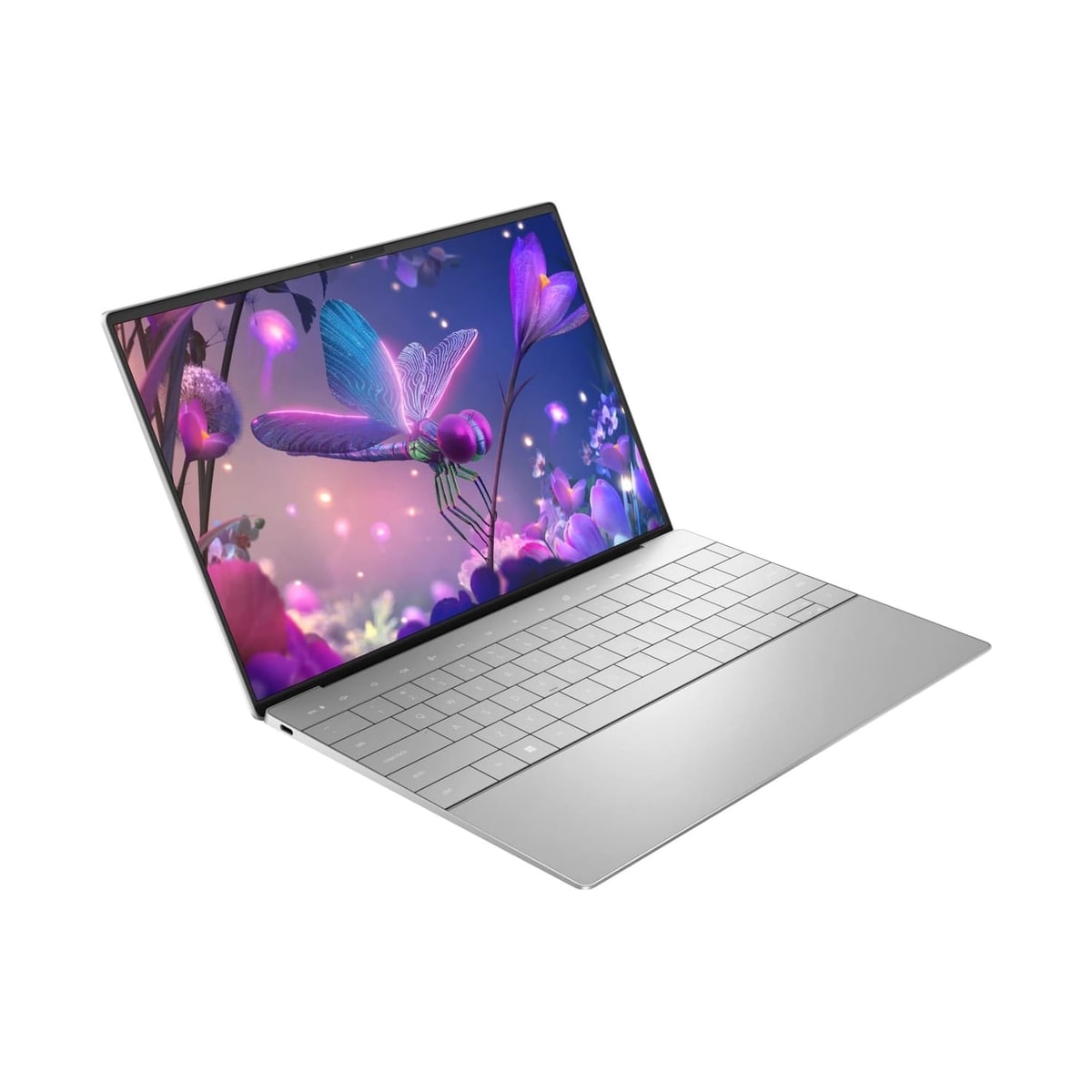
Dell XPS 13
Dell XPS 13 is positioned for compact premium Windows and travel productivity at a $1099 editorial reference. Its main advantage should outweigh this documented drawback: RAM or storage upgrades are limited on several thin models. 9 published specification fields have source coverage; unbadged fields remain reference data.
Buying verdict
Dell XPS 13 is best suited to compact premium Windows and travel productivity. Compare alternatives if this documented drawback would undermine that fit: RAM or storage upgrades are limited on several thin models.
Editorial score
8.5 / 10
Medium source confidence
Reference price
$1,099
Released
Aug 20, 2024
Reference price, not a live offer. Editorial data date Jul 30, 2026. Specs and availability can vary by configuration, region, and retailer. Status: available.
Source coverage: 1 cited reference covers 9 listed specifications. “Source cited” labels identify those fields; unbadged specifications remain editorial reference data pending field-level review. 2 additional product references are listed without field-level coverage.
These links open manufacturer or retailer pages so you can check live availability. Prices on this page are editorial references, not offers. Rankings and scores are not influenced by commercial relationships.
Should you buy it?
A practical ownership call
- Buy it if you want compact premium Windows and travel productivity.
- Skip it if confirm dell xps 13's battery, ports, and weight for the exact us configuration.
- Check current US street pricing before paying launch-level money.
Pros and cons
Pros
- Strong everyday fit for compact premium Windows
- Documented processor for Dell XPS 13: Intel Core Ultra 200V-series options
- Published memory for Dell XPS 13: 16GB or 32GB onboard LPDDR5X-8533
Cons
- Confirm Dell XPS 13's battery, ports, and weight for the exact US configuration
- Dell XPS 13's $1099 figure is an editorial reference, not a live retailer offer
- Dell XPS 13 has field-level citations for 9 of 20 listed specifications
Key specs
- Display
- 13.4-inch FHD+, QHD+, or OLED options Source cited
- Panel Type
- WLED or OLED Source cited
- Refresh Rate
- 30-120Hz on FHD+/QHD+; 60Hz OLED Source cited
- Resolution
- 1920 x 1200, 2560 x 1600, or 2880 x 1800 Source cited
- Processor
- Intel Core Ultra 200V-series options Source cited
- Graphics
- Integrated Intel Arc graphics Source cited
- Memory
- 16GB or 32GB onboard LPDDR5X-8533 Source cited
- Memory Type
- Onboard LPDDR5X-8533 Source cited
Buying scores
These are editorial estimates, not laboratory measurements. Medium source confidence; 45% of listed specification fields currently have field-level citations.
Performance
8.3
Battery
8.5
Portability
9.2
Display
9
Keyboard
8
Value
7.8
Compare
Compare with similar products
Choose any laptops alternative. Curated pairs open an editorial decision; every other pair opens a specs-only comparison.
Curated comparisons for Dell XPS 13
Lenovo Legion Slim 5 14 vs Dell XPS 13: Which Should You Buy?
Lenovo ThinkPad T14 Gen 5 vs Dell XPS 13: Which Should You Buy?
Lenovo ThinkPad X1 Carbon Gen 13 vs Dell XPS 13: Which Should You Buy?
MacBook Air 15-inch M3 vs Dell XPS 13: Which Should You Buy?
MacBook Air M3 vs Dell XPS 13: Which Should You Buy?
Alternatives
Lenovo
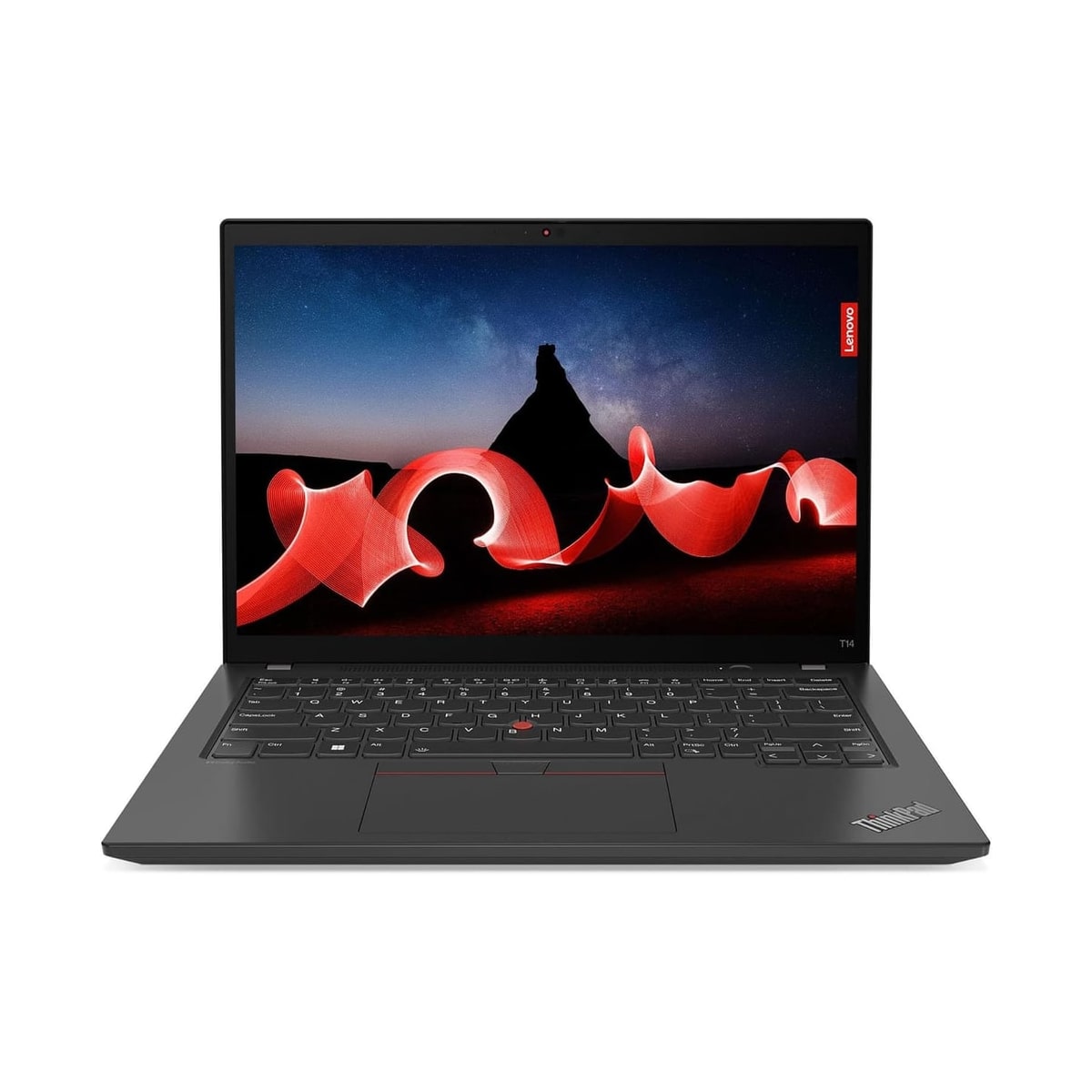
Lenovo ThinkPad T14 Gen 5
Choose ThinkPad T14 Gen 5 when serviceable memory, wired Ethernet and business-focused input/security options matter more than a thin-and-light-first design. Select the exact SKU carefully: its screen, processor, graphics, wireless and battery are not uniform across the family.
HP
HP Spectre x360 14 (2024)
Choose this Spectre x360 14 when its convertible form factor, camera and OLED option solve a real work or creation need. Confirm memory, storage, ports, battery and the exact graphics configuration by SKU before buying.
Featured in rankings
Popular comparisons
Lenovo Legion Slim 5 14 vs Dell XPS 13: Which Should You Buy?
Lenovo Legion Slim 5 14 vs Dell XPS 13: compare performance, battery, display, ports, price, and US/Canada availability.
Lenovo ThinkPad T14 Gen 5 vs Dell XPS 13: Which Should You Buy?
Lenovo ThinkPad T14 Gen 5 vs Dell XPS 13: compare performance, battery, display, ports, price, and US/Canada availability.
Lenovo ThinkPad X1 Carbon Gen 13 vs Dell XPS 13: Which Should You Buy?
Lenovo ThinkPad X1 Carbon Gen 13 vs Dell XPS 13: compare performance, battery, display, ports, price, and US/Canada availability.
MacBook Air 15-inch M3 vs Dell XPS 13: Which Should You Buy?
MacBook Air 15-inch M3 vs Dell XPS 13: compare performance, battery, display, ports, price, and US/Canada availability.
Related guides
Chromebook Buying Guide: When ChromeOS Is the Right Choice
A practical guide to deciding whether a Chromebook fits your workload, which specs matter on ChromeOS, and when a Windows laptop is the better investment.
Laptop Battery Life Guide: What Real-World Numbers Mean
Translate laptop battery claims into realistic runtime by comparing test conditions, watt-hours, display settings, workload, charging, and battery health.
Laptop Ports Guide: USB-C, Thunderbolt, HDMI and Docks
Choose laptop ports by your real devices and displays. Learn when more USB ports save money, when a dock is better, and what to verify before buying.
Best Laptop Specs for Programming
Choose a programming laptop's CPU, memory, storage, display, keyboard, ports, and OS for the toolchains, containers, emulators, and workloads you run.
Availability, sources, and full notes
US availability
Dell XPS 13 is tracked as a US-market option through official brand channels and mainstream electronics retailers.
Common retailers
Dell, Amazon, Best Buy, B&H, Walmart
Sources and verification
- Dell XPS 13 9350 support overview · Dell · accessed Jul 29, 2026 · CN Product reference only — individual specifications are not yet field-verified.
- Dell XPS 13 9350 configuration specifications · Dell · accessed Jul 29, 2026 · CN Field-level coverage: Display, Processor, Memory, Storage, Panel Type, Refresh Rate, Resolution, Graphics, Memory Type
- Product image source · amazon.com · accessed Jul 30, 2026 Product reference only — individual specifications are not yet field-verified.
Editorial specification note
The Dell support overview identifies the XPS 13 9350, while the cited Dell China configuration page verifies its processor, memory, storage, display, resolution, refresh-rate, graphics, and memory-type options as of 2026-07-29. Unbadged fields remain editorial reference data.
Editorial price note
Dell US launch and street-price patterns are tracked as editorial USD references, not live retailer checkout prices.
Specifications
20 tracked specs across 9 groups · 9 specifications have a field-level source citation.
Display
- Display
- 13.4-inch FHD+, QHD+, or OLED options Source cited
- Panel Type
- WLED or OLED Source cited
- Refresh Rate
- 30-120Hz on FHD+/QHD+; 60Hz OLED Source cited
- Resolution
- 1920 x 1200, 2560 x 1600, or 2880 x 1800 Source cited
| Display | 13.4-inch FHD+, QHD+, or OLED options Source cited |
|---|---|
| Panel Type | WLED or OLED Source cited |
| Refresh Rate | 30-120Hz on FHD+/QHD+; 60Hz OLED Source cited |
| Resolution | 1920 x 1200, 2560 x 1600, or 2880 x 1800 Source cited |
Performance
- Processor
- Intel Core Ultra 200V-series options Source cited
- Graphics
- Integrated Intel Arc graphics Source cited
- Memory
- 16GB or 32GB onboard LPDDR5X-8533 Source cited
- Memory Type
- Onboard LPDDR5X-8533 Source cited
| Processor | Intel Core Ultra 200V-series options Source cited |
|---|---|
| Graphics | Integrated Intel Arc graphics Source cited |
| Memory | 16GB or 32GB onboard LPDDR5X-8533 Source cited |
| Memory Type | Onboard LPDDR5X-8533 Source cited |
Storage
- Storage
- 512GB / 1TB / 2TB / 4TB NVMe SSD Source cited
| Storage | 512GB / 1TB / 2TB / 4TB NVMe SSD Source cited |
|---|
Battery
- Battery
- Around 12-18 hours light use Needs confirmation
- Charging
- USB-C / Thunderbolt charging Needs confirmation
| Battery | Around 12-18 hours light use Needs confirmation |
|---|---|
| Charging | USB-C / Thunderbolt charging Needs confirmation |
Connectivity
- Ports
- Thunderbolt/USB-C focused design Needs confirmation
- Wireless
- Wi-Fi 6E / Wi-Fi 7 Needs confirmation
| Ports | Thunderbolt/USB-C focused design Needs confirmation |
|---|---|
| Wireless | Wi-Fi 6E / Wi-Fi 7 Needs confirmation |
Design
- Weight
- Around 1.2kg Needs confirmation
- Dimensions
- Compact 13-inch premium chassis Needs confirmation
- Build
- Aluminum and carbon-fiber class premium chassis Needs confirmation
| Weight | Around 1.2kg Needs confirmation |
|---|---|
| Dimensions | Compact 13-inch premium chassis Needs confirmation |
| Build | Aluminum and carbon-fiber class premium chassis Needs confirmation |
Input
- Keyboard
- Backlit chiclet keyboard Needs confirmation
- Webcam
- 720p or 1080p depending on generation Needs confirmation
| Keyboard | Backlit chiclet keyboard Needs confirmation |
|---|---|
| Webcam | 720p or 1080p depending on generation Needs confirmation |
Software
- Operating System
- Windows 11 Needs confirmation
| Operating System | Windows 11 Needs confirmation |
|---|
Serviceability
- Upgradability
- Very limited Needs confirmation
| Upgradability | Very limited Needs confirmation |
|---|