Laptops ranking
Best Windows Laptops
There is no universal Windows-laptop winner in this list. Dell XPS 14 targets premium creator portability, Surface Pro 11 emphasizes tablet and pen use, ThinkPad and EliteBook prioritize business ownership, Zenbook S 16 offers a larger OLED route, and LG Gram Pro 16 targets a large screen at travel-friendly weight. Pick the role first, then compare exact configurations.
Updated 2026-08-23
Scores are editorial estimates based on public product data and the published category weights; they are not lab measurements.
Quick picks
Jump straight to the right product for your situation.
Best overall
Best value
Premium or specialist
Top pick
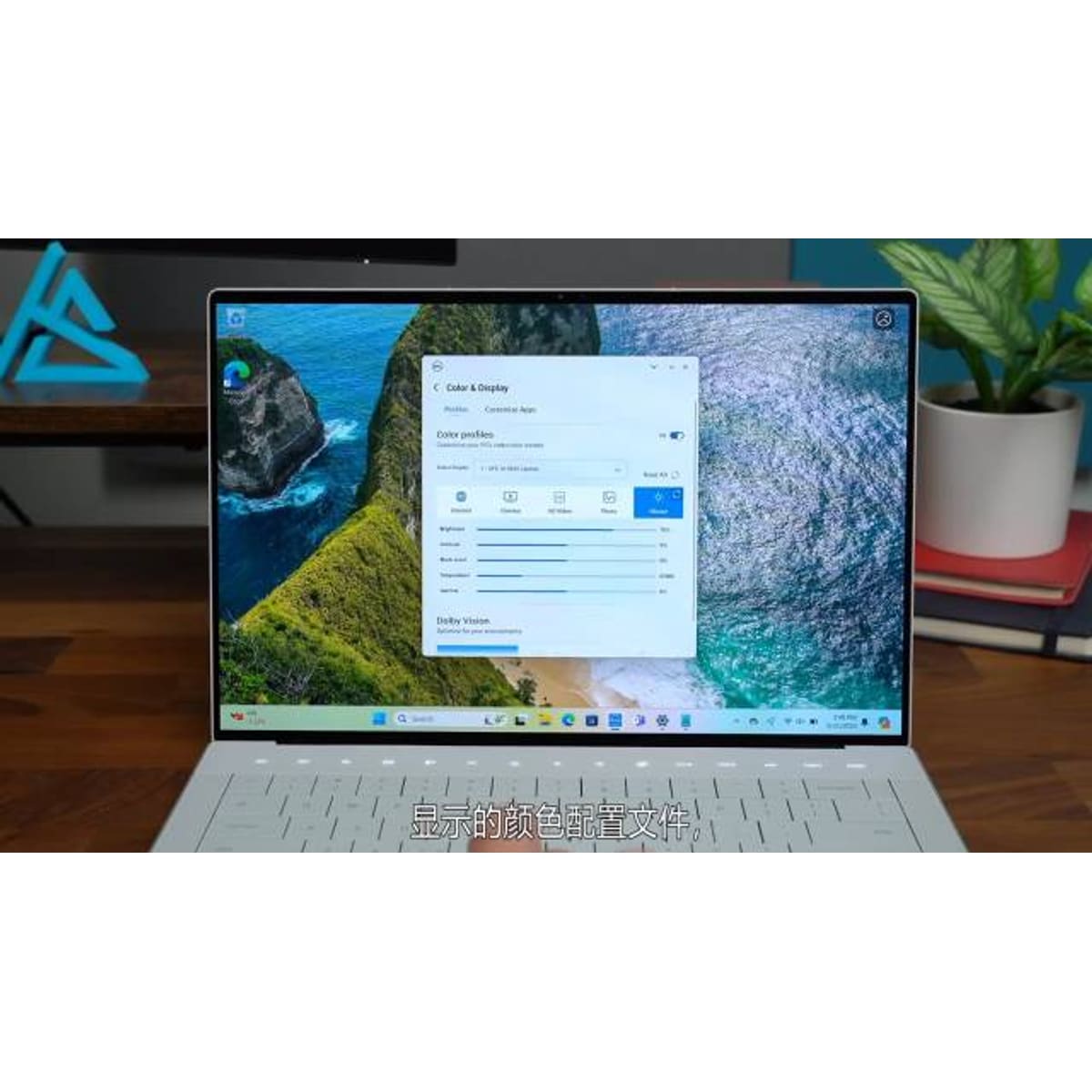
Dell XPS 14
Choose XPS 14 when a refined Windows design, OLED availability, and creator-capable configuration options outweigh price and limited built-in ports. Buyers who prioritize easy memory upgrades, a broader port selection, or better gaming value should compare a business laptop or compact gaming model first.
- 1Editorial 8.4 / 10
Dell XPS 14
Choose XPS 14 when a refined Windows design, OLED availability, and creator-capable configuration options outweigh price and limited built-in ports. Buyers who prioritize easy memory upgrades, a broader port selection, or better gaming value should compare a business laptop or compact gaming model first.
Why it ranks here
Dell XPS 14 earns a place for premium Windows and OLED options. At $1399, its clearest advantage is strong everyday fit for premium Windows.
Buyer note
The main reason to hesitate is the documented drawback: RAM or storage upgrades are limited on several thin models. Confirm the exact configuration, cited-field badges, retailer return window, and current price before treating its position as a purchase instruction.
Performance
8.8
Battery
7.9
Portability
8.4
- 2Editorial 8.4 / 10
Surface Pro 11
Surface Pro 11 is best suited to Windows tablet hybrid and pen note-taking. Compare alternatives if this documented drawback would undermine that fit: RAM or storage upgrades are limited on several thin models.
Why it ranks here
Surface Pro 11 earns a place for Windows tablet hybrid and pen note-taking. At $899, its clearest advantage is strong everyday fit for Windows tablet hybrid.
Buyer note
The main reason to hesitate is the documented drawback: RAM or storage upgrades are limited on several thin models. Confirm the exact configuration, cited-field badges, retailer return window, and current price before treating its position as a purchase instruction.
Performance
8.1
Battery
8.8
Portability
9
- 3Editorial 8.2 / 10
Lenovo ThinkPad T14 Gen 5
Choose ThinkPad T14 Gen 5 when serviceable memory, wired Ethernet and business-focused input/security options matter more than a thin-and-light-first design. Select the exact SKU carefully: its screen, processor, graphics, wireless and battery are not uniform across the family.
Why it ranks here
Lenovo ThinkPad T14 Gen 5 earns a place for business workhorse and enterprise buyers. At $1099, its clearest advantage is two DDR5 SODIMM slots support up to 64GB and are dual-channel capable. 20 published specification fields have source coverage; unbadged fields remain reference data.
Buyer note
The main reason to hesitate is the documented drawback: Panel quality varies substantially: some WUXGA IPS configurations are 45% NTSC and 60Hz. Confirm the exact configuration, cited-field badges, retailer return window, and current price before treating its position as a purchase instruction.
Performance
8.2
Battery
8.2
Portability
8
- Editorial 8.14
HP EliteBook 840 G11
HP EliteBook 840 G11 is best suited to business work and enterprise buyers. Compare alternatives if this documented drawback would undermine that fit: Chassis build is practical rather than premium under daily travel abuse.
Why it ranks here
HP EliteBook 840 G11 earns a place for business work and enterprise buyers. At $1199, its clearest advantage is strong everyday fit for business work.
Buyer note
The main reason to hesitate is the documented drawback: Chassis build is practical rather than premium under daily travel abuse. Confirm the exact configuration, cited-field badges, retailer return window, and current price before treating its position as a purchase instruction.
- Editorial 8.35
ASUS Zenbook S 16
ASUS Zenbook S 16 is best suited to large ultraportable and media creation. Compare alternatives if this documented drawback would undermine that fit: Discrete graphics options raise heat, noise, and price quickly.
Why it ranks here
ASUS Zenbook S 16 earns a place for large ultraportable and media creation. At $1199, its clearest advantage is strong everyday fit for large ultraportable.
Buyer note
The main reason to hesitate is the documented drawback: Discrete graphics options raise heat, noise, and price quickly. Confirm the exact configuration, cited-field badges, retailer return window, and current price before treating its position as a purchase instruction.
- Editorial 8.46
LG Gram Pro 16
LG Gram Pro 16 is best suited to large lightweight laptop and portable creation. Compare alternatives if this documented drawback would undermine that fit: Display or speaker quality can feel average once you leave the desk.
Why it ranks here
LG Gram Pro 16 earns a place for large lightweight laptop and portable creation. At $1399, its clearest advantage is strong everyday fit for large lightweight laptop. 7 published specification fields have source coverage; unbadged fields remain reference data.
Buyer note
The main reason to hesitate is the documented drawback: Display or speaker quality can feel average once you leave the desk. Confirm the exact configuration, cited-field badges, retailer return window, and current price before treating its position as a purchase instruction.
Buying guide
Choose the Windows-laptop role first
Start with the job: detachable pen input, premium creator work, managed business use, a large OLED workspace, or the lightest practical 16-inch carry. That decision narrows the list more reliably than a synthetic processor score. Then confirm application compatibility, port and dock requirements, webcam and keyboard behavior, and whether memory or storage can be upgraded after purchase.
Why the shortlist mixes six designs
XPS 14 and Zenbook S 16 are creator-oriented premium choices at different screen sizes. Surface Pro 11 is the detachable option, while ThinkPad T14 Gen 5 and EliteBook 840 G11 compete on business keyboard, support, and service considerations. LG Gram Pro 16 is for buyers who want a larger display without accepting typical 16-inch carry weight. None is a direct substitute until configuration and use case are matched.
Compare complete working setups
A $899 detachable is not a $899 laptop if the required keyboard, pen, charger, or dock is sold separately. Likewise, a discounted clamshell can become expensive when the useful memory, storage, display, and warranty configuration sits above the advertised base model. Build a total for the exact setup, include any USB-C hub or adapter, and reject upgrades that only add a premium finish without improving daily work.
Verify compatibility during the return period
Install the required work, school, VPN, security, and creative software; connect every monitor, dock, printer, storage device, and specialized peripheral; and test sleep, video calls, battery behavior, and keyboard comfort. This is especially important for an Arm-based Windows configuration or a business fleet with management requirements. Keep the machine only after the actual workflow passes, not because its advertised battery estimate or launch price looks strong.
How we picked
- We prioritize portable performance, battery life, display quality, keyboard feel, ports, upgrade limits, and student or business pricing over isolated launch hype or one-off benchmark wins.
- US pricing, return windows, official availability, and discount timing influence the order.
- Every pick needs a clear buyer profile, a clear reason to skip, and at least one useful alternative.
- Older products can rank when discount pricing creates better long-term value than a new but weaker model.
Budget advice
Tracked references run from $899 for Surface Pro 11 to $1,399 for Dell XPS 14 and LG Gram Pro 16, with ThinkPad T14 Gen 5, EliteBook 840 G11, and Zenbook S 16 between them. The Surface comparison must include the keyboard, pen, dock, and storage configuration you need. Across the list, prioritize enough memory and storage at purchase when upgrades are limited, then price business warranty coverage only if its service level is useful to you.
Buying timing
Back-to-school, holiday, and open-box promotions can move Windows-laptop prices, but configuration mismatches create larger errors than sale timing. Buy when the exact processor, memory, storage, display, keyboard layout, and warranty are documented. Wait when a listing hides the model number, when required Surface accessories erase its price advantage, or when an Arm-based configuration has not been checked against essential applications and peripherals.
Product sources and verification
Ranking order is editorial. The links below support identified product specification fields; unbadged data, current prices, configurations, and regional availability still require a checkout-time check.
- Lenovo PSREF ThinkPad T14 Gen 5 (Intel) · Lenovo ThinkPad T14 Gen 5 · accessed 2026-07-30
- Lenovo PSREF ThinkPad T14 Gen 5 (AMD) · Lenovo ThinkPad T14 Gen 5 · accessed 2026-07-30
- LG gram Pro 16 model 16Z90SP-K.AA75A9 specifications · LG Gram Pro 16 · accessed 2026-07-29
FAQ
How should I choose from Best Windows Laptops?
Start with the product that matches your use case, then use the notes to remove options with trade-offs you would notice every day.
Should I wait for a sale?
Wait if pricing is still near launch level or if back-to-school is close. Buy now if the top pick fixes a real reliability problem.
Do older discounted products still make sense?
Yes, when support, warranty, performance, and battery or comfort expectations are still acceptable for your ownership window.
Related comparisons
Acer Aspire 5 15 vs Acer Swift Go 14: Which Should You Buy?
Acer Aspire 5 15 vs Acer Swift Go 14 (SFG14-72): compare performance, battery, display, ports, price, and US/Canada availability.
Acer Chromebook Plus 515 vs ASUS Chromebook Plus CX34
Compare Acer Chromebook Plus 515 and ASUS Chromebook Plus CX34 by portable performance, battery life, display quality, keyboard feel, ports, upgrade.
ASUS Chromebook Plus CX34 vs Acer Aspire 5 15: Which Should You Buy?
ASUS Chromebook Plus CX34 vs Acer Aspire 5 15: compare performance, battery, display, ports, price, and US/Canada availability.
Related guides
Are 2-in-1 Laptops Worth It?
Choose between a convertible, detachable, and conventional laptop by keyboard stability, tablet use, ports, weight, battery, accessories, and repairability.
Best Laptop Specs for Programming
Choose a programming laptop's CPU, memory, storage, display, keyboard, ports, and OS for the toolchains, containers, emulators, and workloads you run.
Chromebook Buying Guide: When ChromeOS Is the Right Choice
A practical guide to deciding whether a Chromebook fits your workload, which specs matter on ChromeOS, and when a Windows laptop is the better investment.