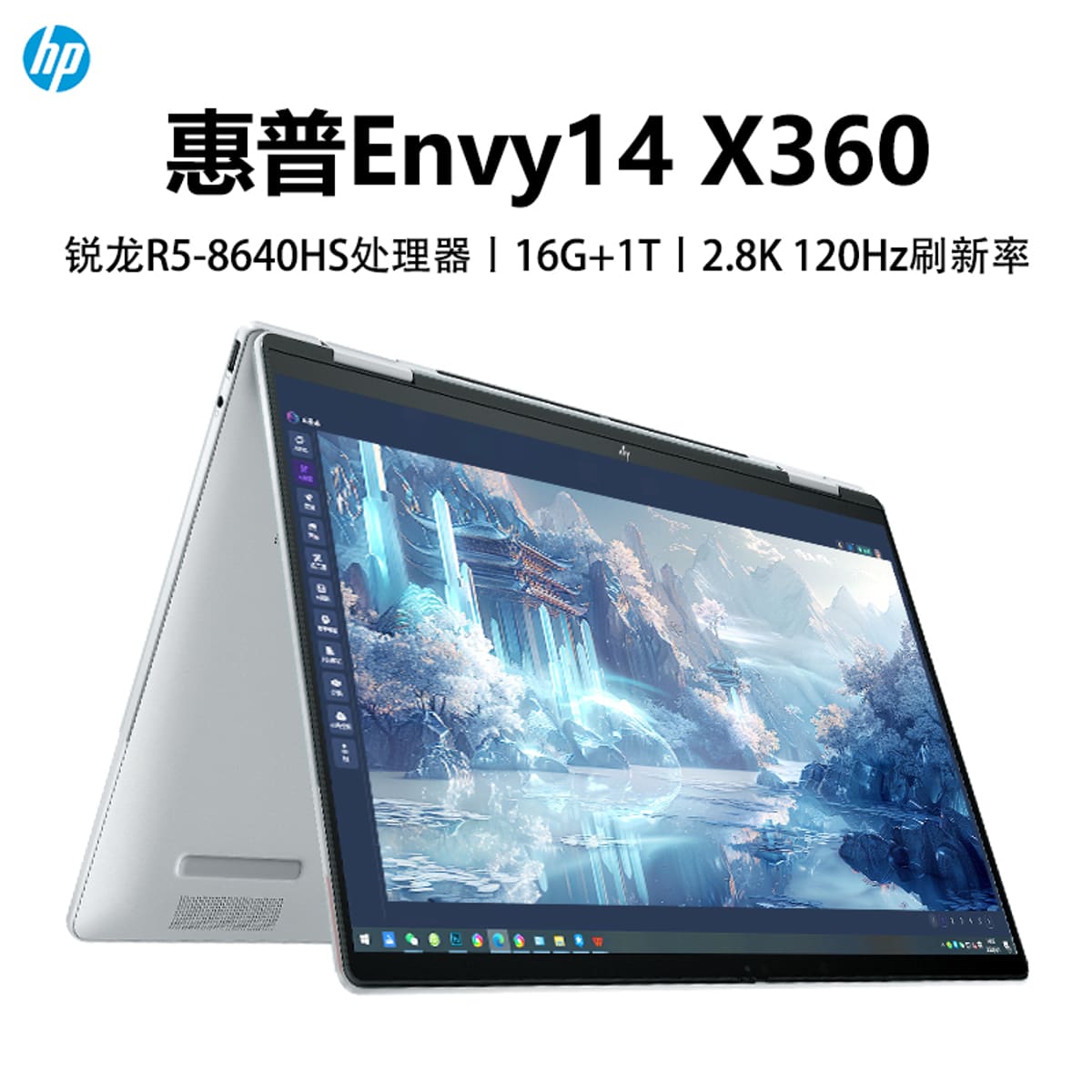
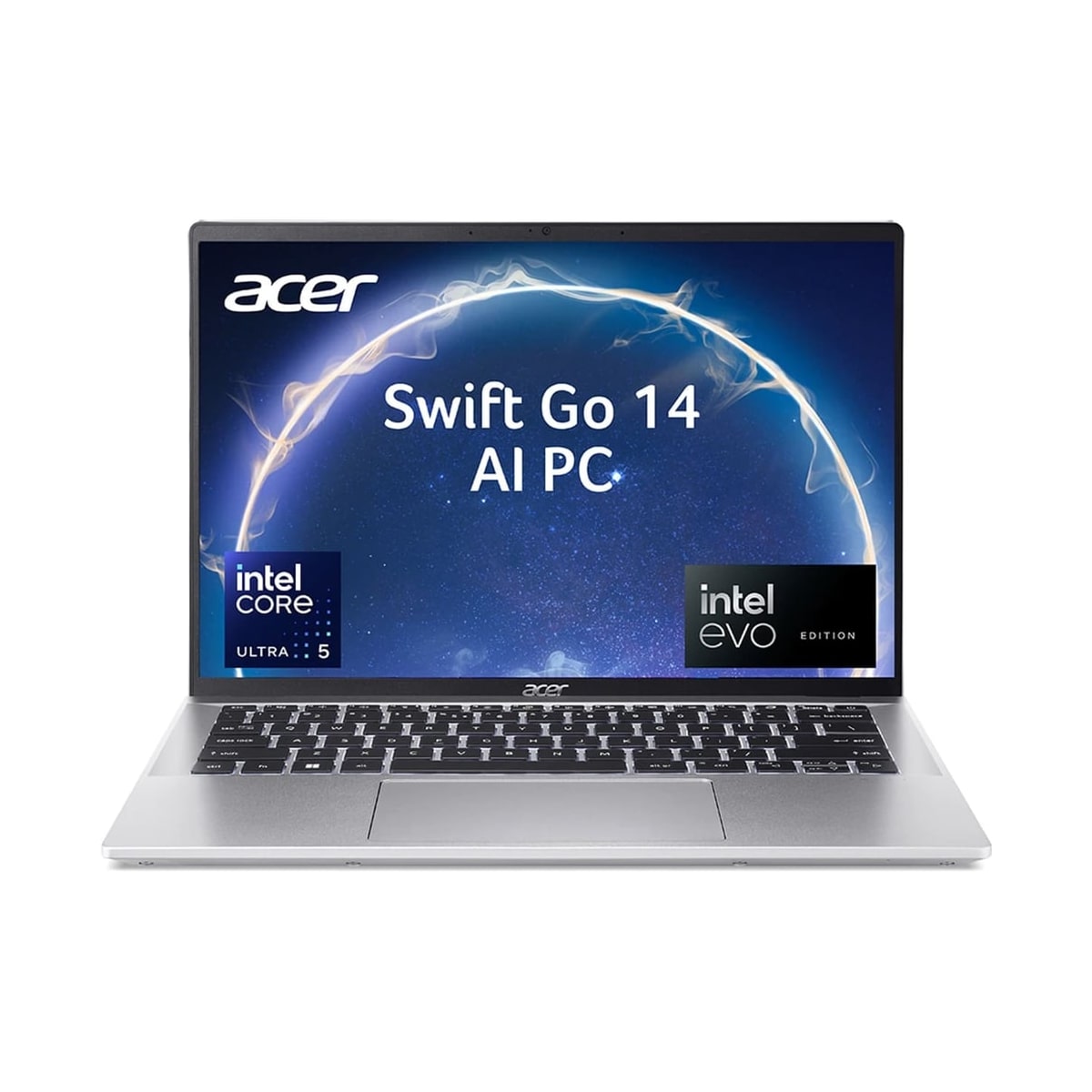
| Display |
|---|
| Display | Value differs. 14-inch FHD or OLED touch options Needs confirmation | Value differs. 14-inch display: up to 2.8K OLED; WUXGA touchscreen option by configuration |
|---|
| Panel Type | Value differs. IPS/OLED touch Needs confirmation | Value differs. OLED option; WUXGA touchscreen option by configuration |
|---|
| Refresh Rate | Value differs. 60Hz Needs confirmation | Value differs. 90Hz on the OLED option |
|---|
| Resolution | Value differs. 1920 x 1200 or 2.8K OLED Needs confirmation | Value differs. Up to 2880 x 1800 (2.8K) OLED; 1920 x 1200 WUXGA touchscreen option |
|---|
| Performance |
|---|
| Processor | Value differs. Intel Core Ultra / AMD Ryzen class Needs confirmation | Value differs. Up to Intel Core Ultra 7 155H |
|---|
| Graphics | Value differs. Integrated graphics Needs confirmation | Value differs. Intel Arc integrated graphics |
|---|
| Memory | Value differs. 16GB Needs confirmation | Value differs. Not specified in Acer's cited SFG14-72 announcement; confirm the exact SKU Needs confirmation |
|---|
| Memory Type | Value differs. Soldered LPDDR5X on many units Needs confirmation | Value differs. Not specified in Acer's cited SFG14-72 announcement; confirm the exact SKU Needs confirmation |
|---|
| Storage |
|---|
| Storage | Value differs. 512GB / 1TB SSD Needs confirmation | Value differs. Not specified in Acer's cited SFG14-72 announcement; confirm the exact SKU Needs confirmation |
|---|
| Battery |
|---|
| Battery | Value differs. Around 9-13 hours light use Needs confirmation | Value differs. Up to 12.5 hours (manufacturer claim; configuration and use dependent) |
|---|
| Charging | Value differs. USB-C charging Needs confirmation | Value differs. Fast charging support is published; adapter wattage is not specified |
|---|
| Connectivity |
|---|
| Ports | Value differs. USB-C, USB-A, HDMI, headphone jack Needs confirmation | Value differs. 2x USB Type-C, HDMI 2.1 and MicroSD slot |
|---|
| Wireless | Wi-Fi 6E Needs confirmation | Wi-Fi 6E |
|---|
| Design |
|---|
| Weight | Value differs. Around 1.4kg Needs confirmation | Value differs. 1.32kg |
|---|
| Dimensions | Value differs. 14-inch convertible chassis Needs confirmation | Value differs. 14.9mm thin |
|---|
| Build | Value differs. Aluminum convertible chassis Needs confirmation | Value differs. Aluminum ultraportable chassis |
|---|
| Input |
|---|
| Keyboard | Value differs. Backlit chiclet keyboard Needs confirmation | Value differs. Not specified in Acer's cited SFG14-72 announcement; confirm the exact SKU Needs confirmation |
|---|
| Webcam | Value differs. 1080p webcam Needs confirmation | Value differs. 1440p QHD webcam |
|---|
| Software |
|---|
| Operating System | Windows 11 Needs confirmation | Windows 11 |
|---|
| Serviceability |
|---|
| Upgradability | Value differs. Storage may be upgradeable; RAM often soldered Needs confirmation | Value differs. Not specified in Acer's cited SFG14-72 announcement; confirm the exact SKU Needs confirmation |
|---|